
First Look: AT Protocol Apps
I take a first look at a few apps from the ATmosphere.

I’ve glanced at a few AT Protocol-based apps in recent weeks, but spent an afternoon digging in a bit more this week. I’ve been using Bluesky for months as a ‘replacement for Twitter/X. The ATmosphere is a growing wave of apps that operate and collaborate through a shared protocol, and where all your data is stored in your own store, not in some company’s cloud services.
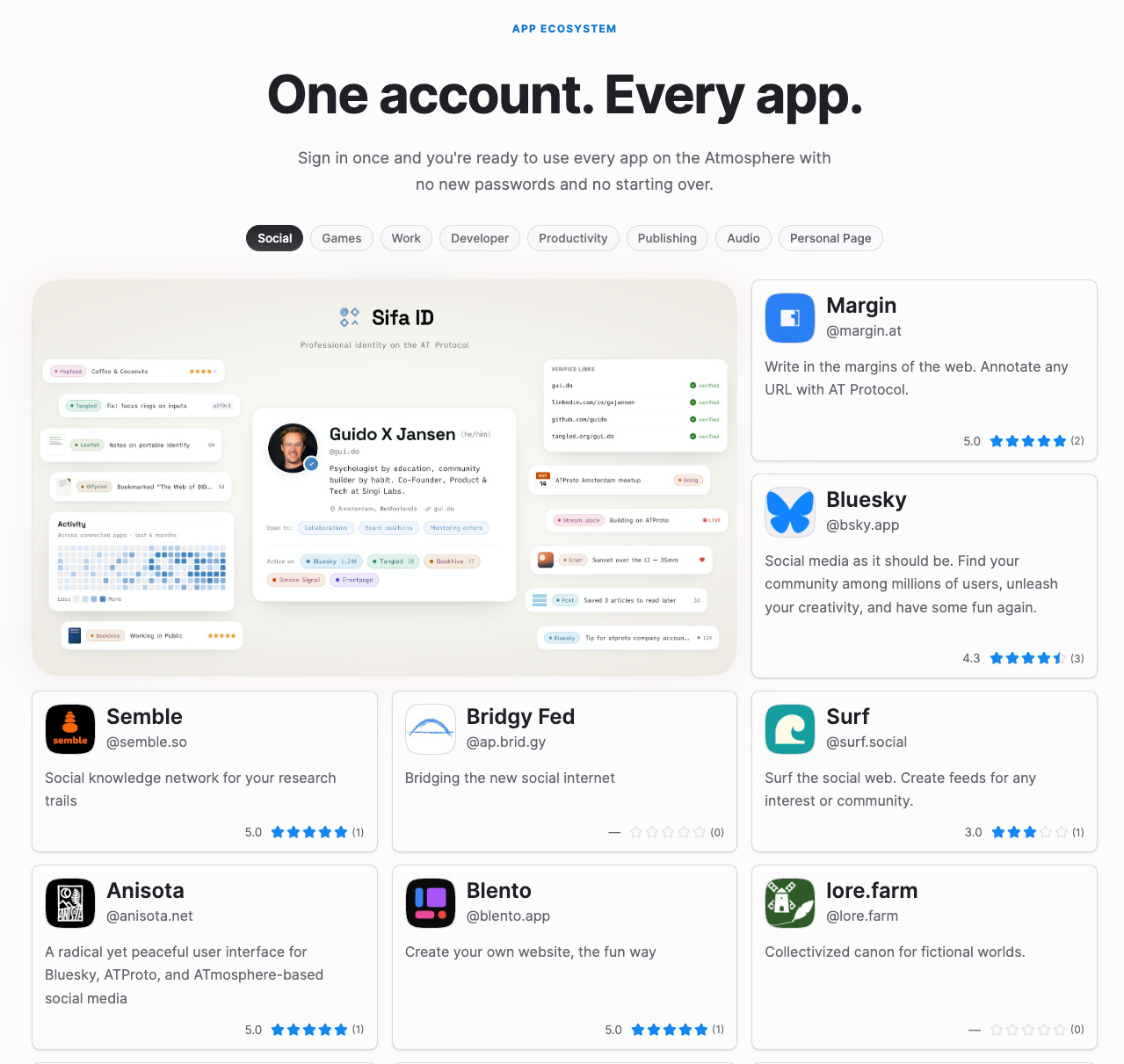
The Atmosphere is a new open network of apps and services that all work together. Think of it like truly owning your Google Account. Instead of every app being its own walled garden, Atmosphere apps share a common foundation — so you only need one account to use them all, and they can easily share data.
Your Atmosphere Account is your passport to this entire ecosystem. One account unlocks every app — no more creating new logins, no more losing your stuff when you switch. Sign in once, and you’re home everywhere.
via atstore
Some Apps
Apps I poked at include these:
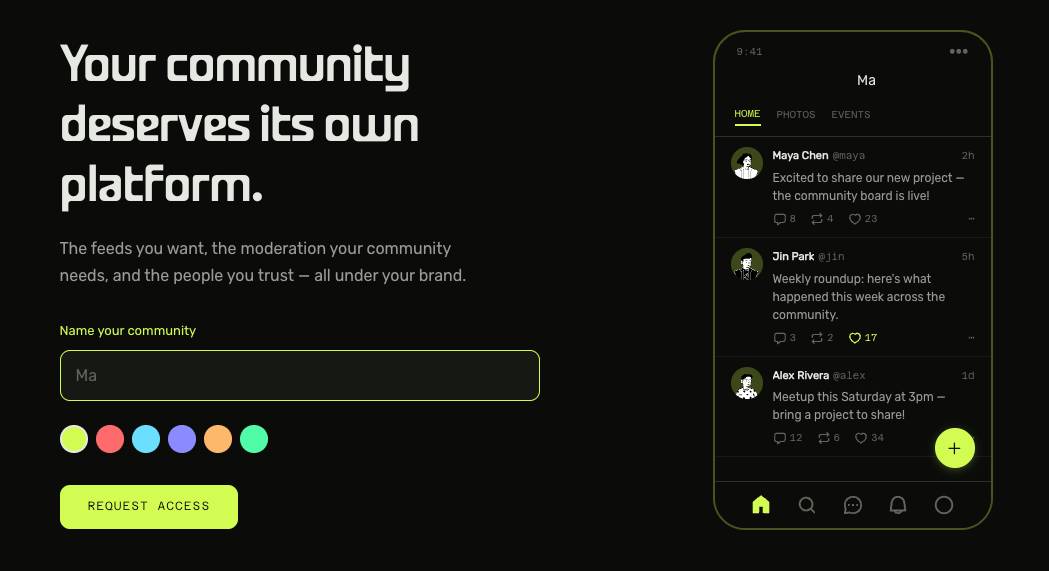
Acorn is a community platform, currently by invitation only. I haven’t tried that yet.
atstore is an appstore for the atmosphere.
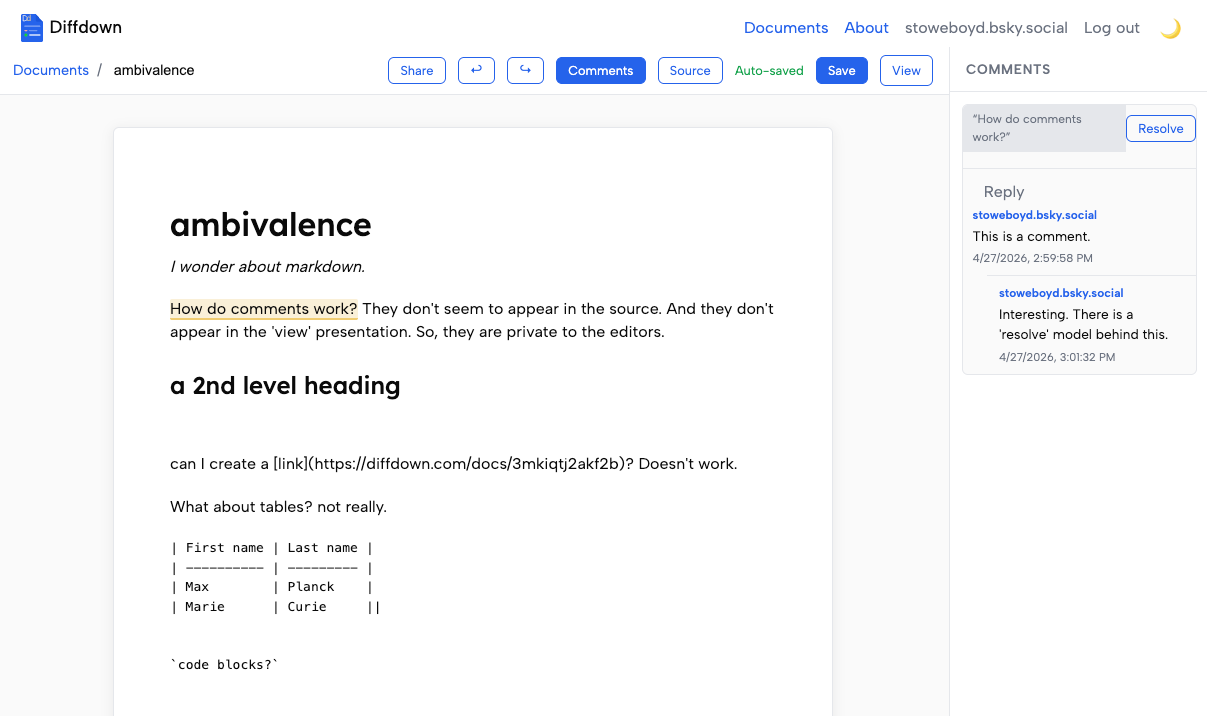
diffdown is a multiplayer (minimal) markdown editor (Obsidian it is not, yet):
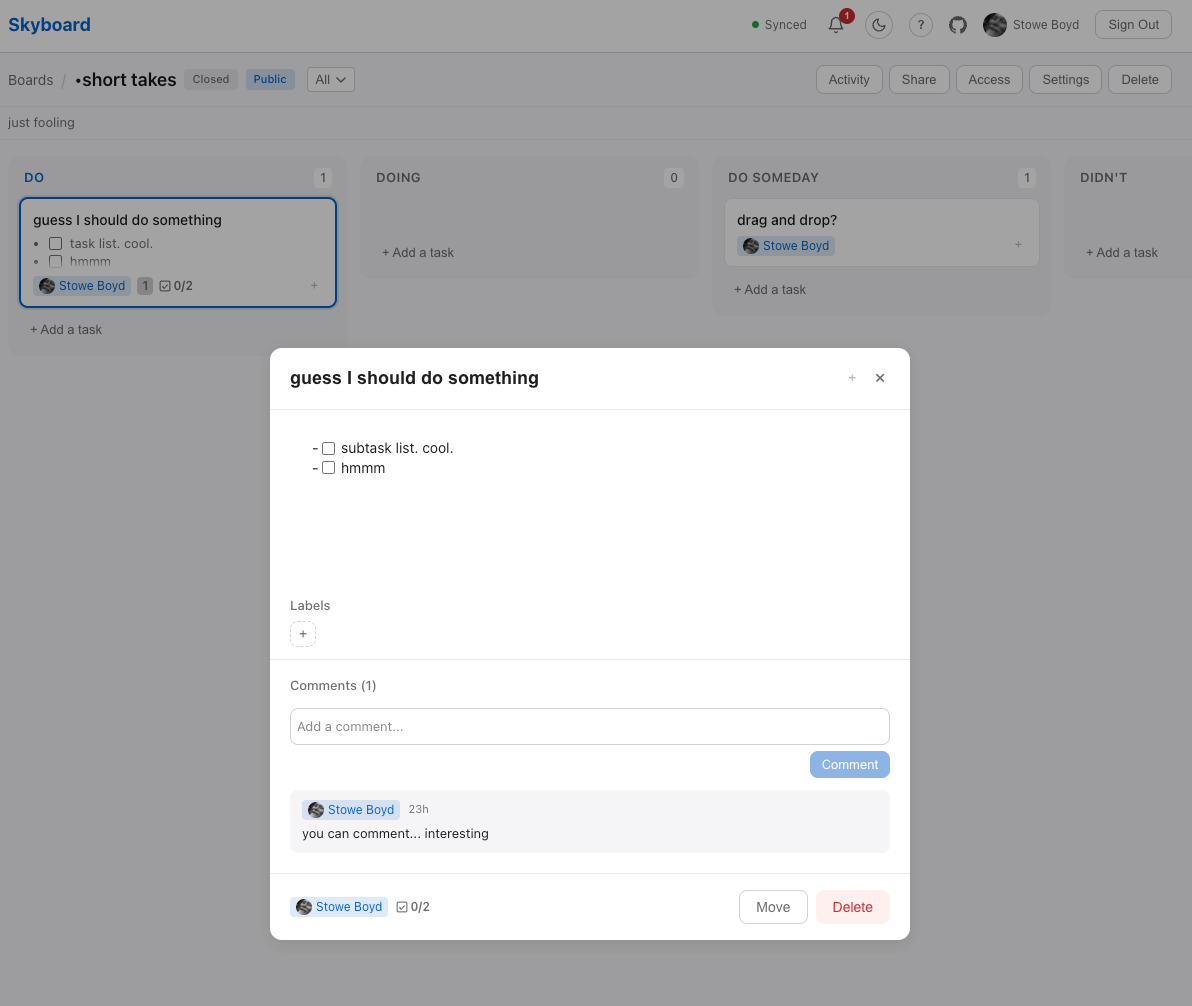
skyboard is a multiplayer kanban board, and it looks pretty good.
First Look at margin.at
margin.at is multiuser stream of web annotations. Here’s the stream including a few annotations I added.
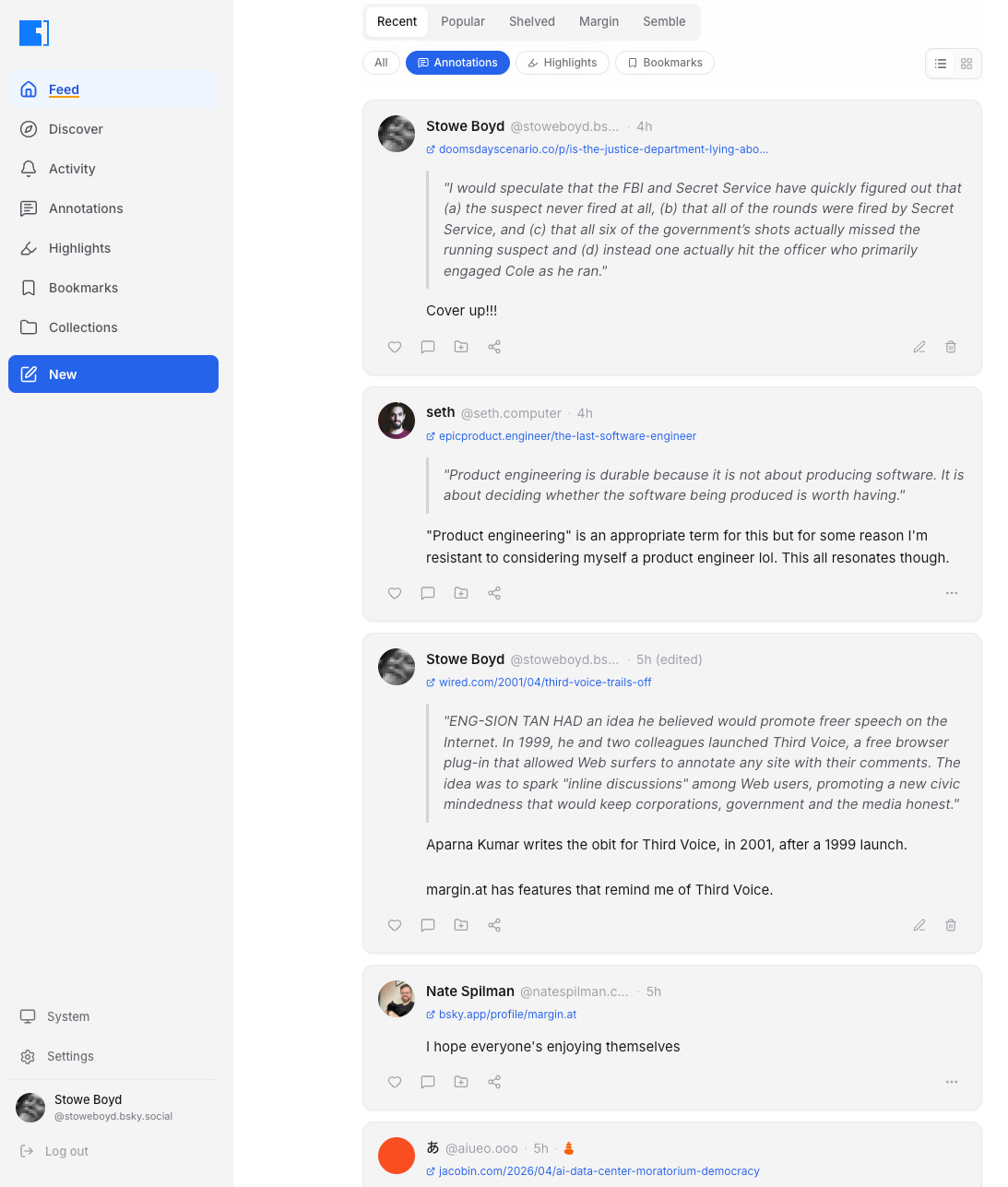
The method of use is 1/ sign up, 2/ install the margin.at extension in your browser, then 3/ when visiting some webpage you can use keystrokes to annotate, bookmark, highlight the page.
Commands:
Annotate and highlight any webpage, with your notes saved to the decentralized AT Protocol.
Features:
• Bookmark - Save any page on the web and look back at it later
• Highlight - Mark important information you want to reference later
• Annotate - Add notes to anything on the web, like, reply, and view other users’ annotations
Keyboard Shortcuts: [Note: ‘alt’ is ‘option’ on Mac]
• Alt+M - Open sidebar
• Alt+A - Annotate selection
• Alt+H - Highlight selection
• Alt+B - Bookmark page
(Customize at chrome://extensions/shortcuts)
How to use: [note: ‘right click’ is ‘control’ on Mac]
• Sidebar: Right-click anywhere → Margin → Open Sidebar
• Popup: Click the Margin icon in your toolbar
• Annotate/Highlight: Select text → right-click → Margin → Annotate or Highlight
I have some shortcut collisions that I have not sorted out with the Chrome extension yet. For example, I can’t bookmark a page, yet.
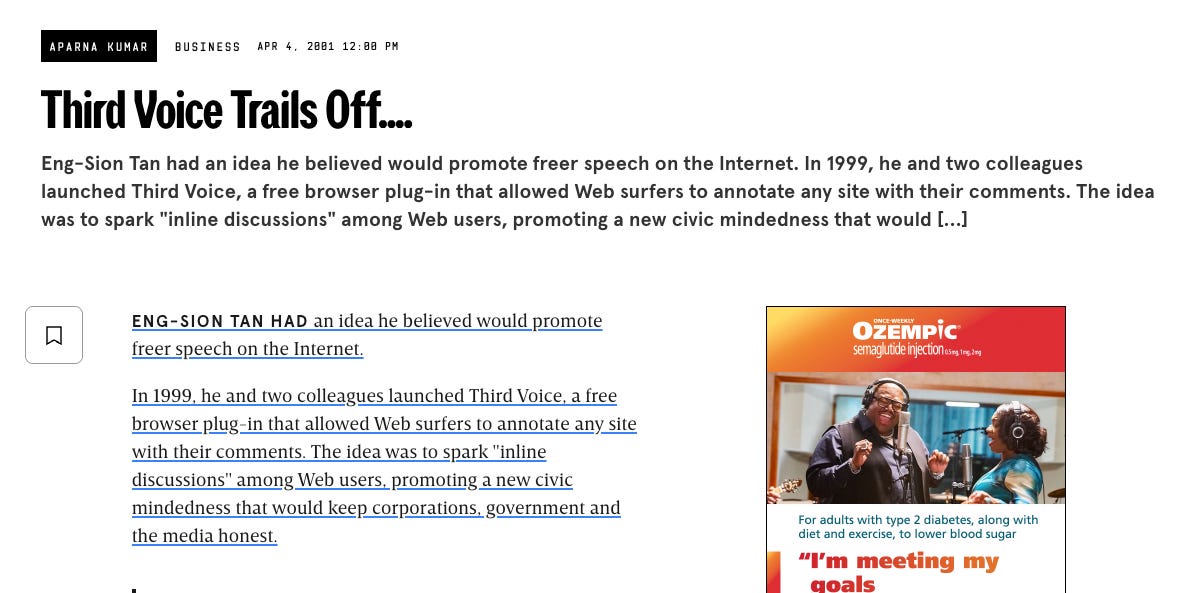
Here’s a web page, annotated:
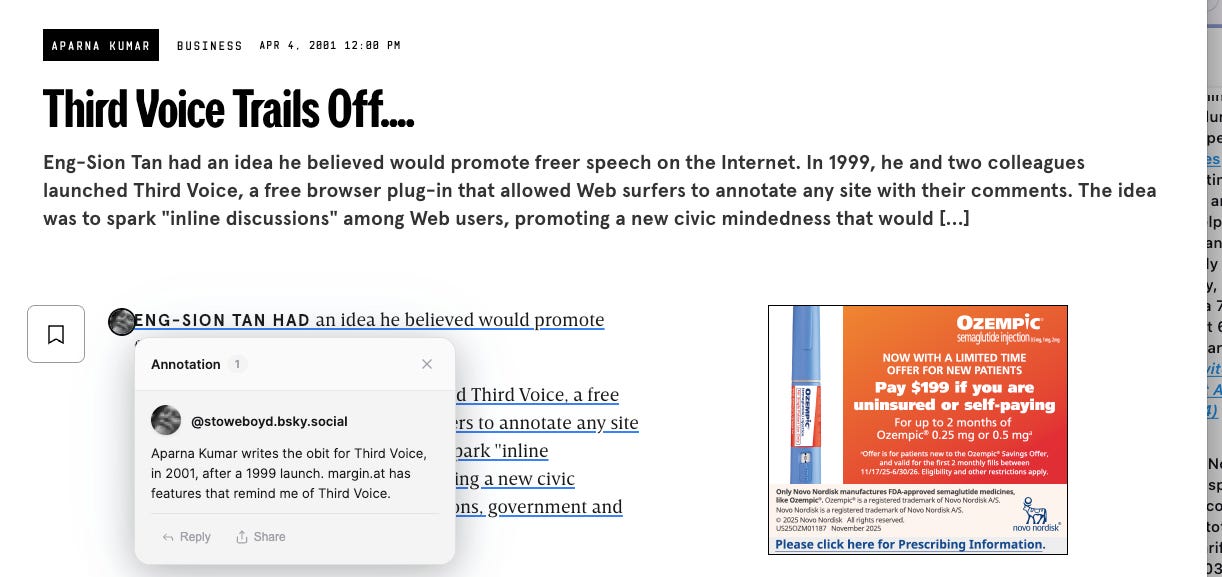
When I mouse over, I see this:
I can easily share the annotation to Bluesky, where is show like this, which is not so great.
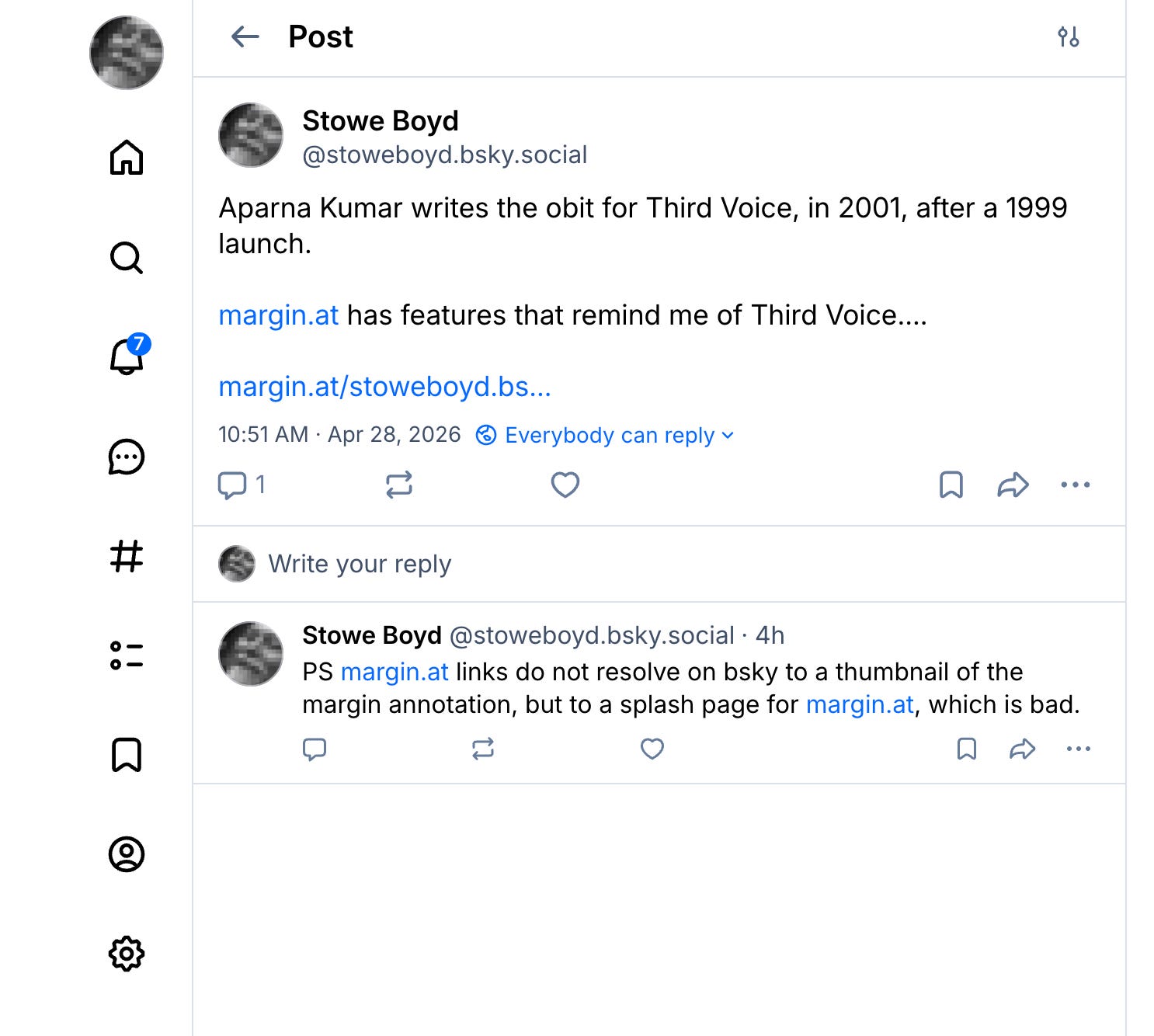
As I comment in the Bluesky reply. ‘PS margin.at links do not resolve on bsky to a thumbnail of the margin annotation, but to a splash page for margin.at, which is bad.’ I deleted the thumbnail but what I’d like is a better rendering, including the original annotation’ like a can get with, say, a substack link.
Takeaway
I’ll keep fooling with margin.at and other AT tools, and I expect to see a great deal of progress. As an Obsidian user, I am uncertain how the AT world will play into my workflows. One thought is I am already publishing parts of my Obsidian vault to forestry, so perhaps an AT-based variant of the forestry functionality.
Likewise, AT is built around multiplayer sharing publicly on the web, so I could imagine an Obsidian collaboration layer based on AT, but I don’t know enough to do more than scratch my head about that right now. But the model in Diffdown is promising.